

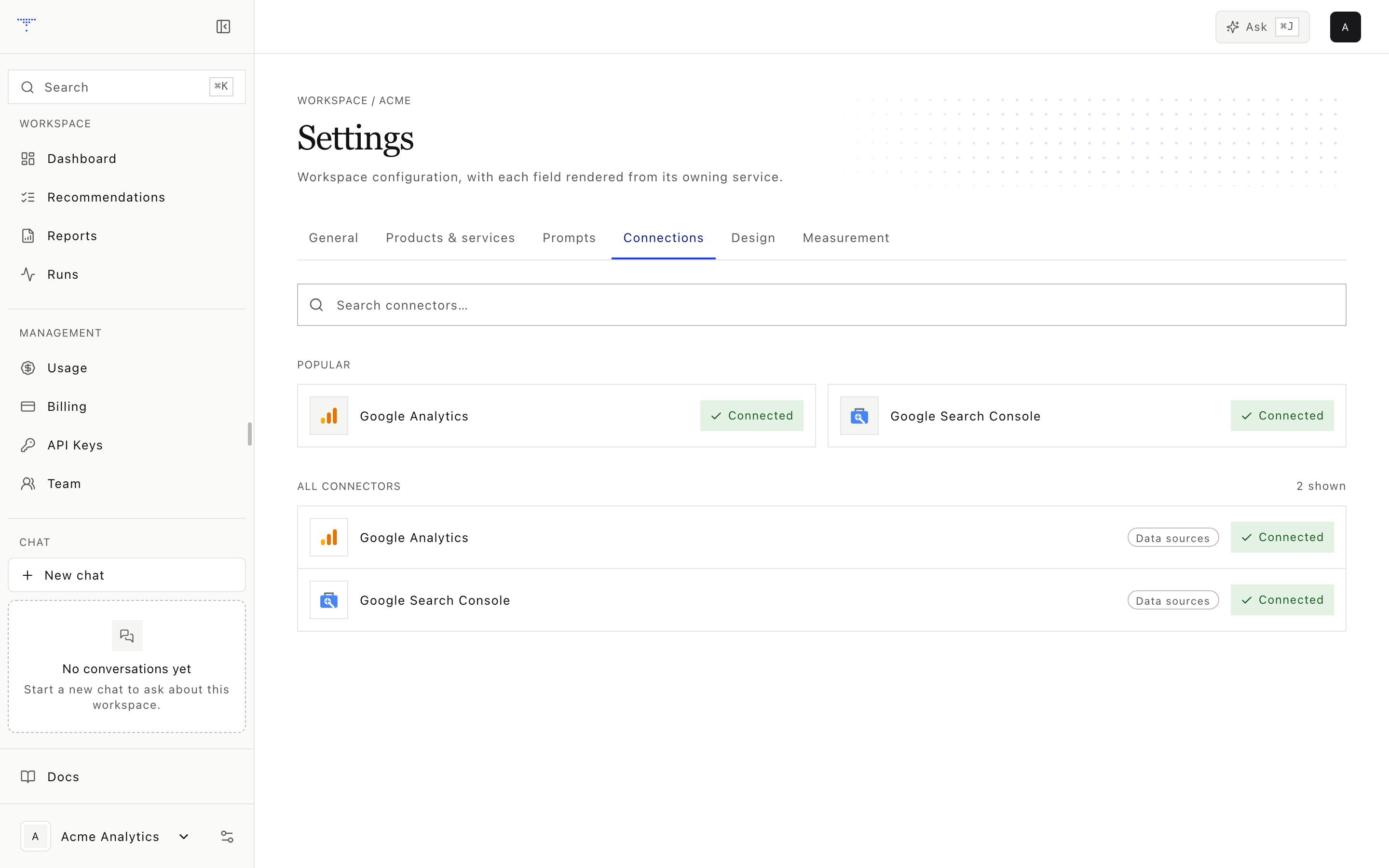
Connector status for a workspace.
Credential custody
The credential service rejects attempts to save OpenRouter as a workspace connector. Exa, AgentMail, and PageSpeed do not have user connection cards.
GA4 setup
1
Copy the workspace email
Find the provisioned AgentMail address in Settings.
2
Invite it to GA4
Grant Viewer access on the intended property.
3
Save the property ID
Store the numeric GA4 property identifier as
ga4_property in brands/<workspace>.yaml.4
Run the test
Confirm that operator OAuth access can query the configured property.
G-.
Search Console setup
Invite the workspace address with Full access, then savegsc_property in brands/<workspace>.yaml as one of:
- A URL-prefix property, such as
https://www.example.com/ - A domain property, such as
sc-domain:example.com
Exa setup
Exa is an operator integration, not a workspace connection card. SetEXA_API_KEY in the root environment or repository-root .env. The web worker copies it into the allowlisted measurement or research process only when that job starts.
Use the exa measurement preset to exercise both configured modes:
There is no Exa Test connection action. A completed Exa run proves that the worker could call the provider. If it fails, inspect the run detail for missing operator configuration, provider rejection, or a retryable transport error.
Test flows
The current GA4 and Search Console test is a configuration check. It reads root environment-key presence and the selected workspace property. It does not send a request to Google. The result schema supports four outcomes:
The application cannot inspect the Google property member list, so a successful configuration test does not prove that an invitation was completed. Confirm access through the first GA4 or Search Console data pull.