> ## Documentation Index
> Fetch the complete documentation index at: https://docs.noisemaker.dev/llms.txt
> Use this file to discover all available pages before exploring further.
# Connections
> Configure GA4 and Search Console while keeping provider secrets in operator custody.
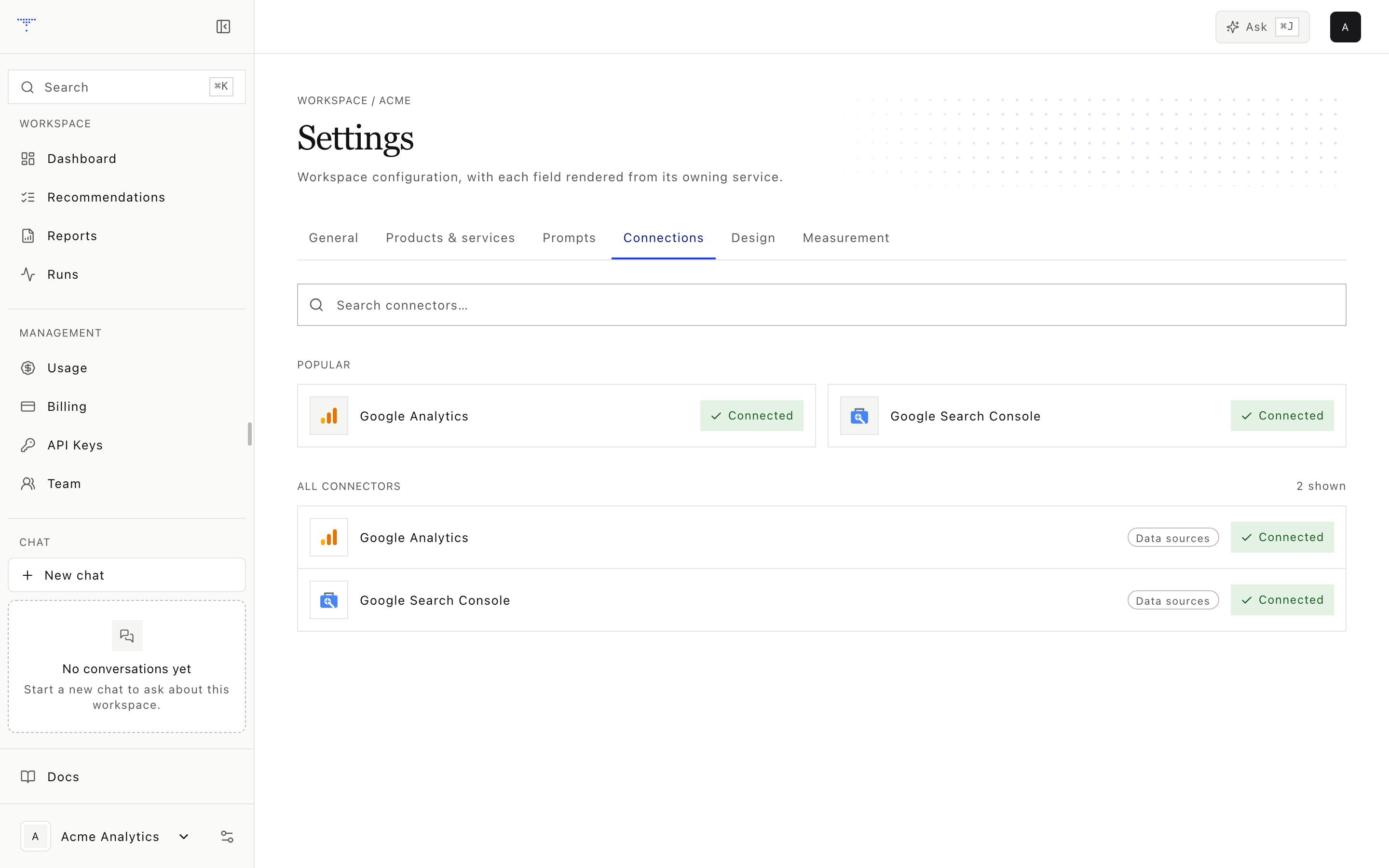 The workspace connection catalog currently exposes Google Analytics 4 and Google Search Console.
## Credential custody
| Integration | Custodian | Configuration |
| -------------- | ------------------------------------------------------------------------- | -------------------------------------------------------------------------------------- |
| GA4 | Workspace grants property access; operator holds Google OAuth credentials | Numeric
The workspace connection catalog currently exposes Google Analytics 4 and Google Search Console.
## Credential custody
| Integration | Custodian | Configuration |
| -------------- | ------------------------------------------------------------------------- | -------------------------------------------------------------------------------------- |
| GA4 | Workspace grants property access; operator holds Google OAuth credentials | Numeric ga4\_property in the workspace YAML |
| Search Console | Workspace grants property access; operator holds Google OAuth credentials | URL-prefix or sc-domain: gsc\_property in the workspace YAML |
| OpenRouter | Operator | Root environment only |
| Exa | Operator | Root environment only |
| AgentMail | Operator | Root environment only |
| PageSpeed | Operator | Root environment only |
The credential service rejects attempts to save OpenRouter as a workspace connector. Exa, AgentMail, and PageSpeed do not have user connection cards.
## GA4 setup
Find the provisioned AgentMail address in Settings.
Grant Viewer access on the intended property.
Store the numeric GA4 property identifier as ga4\_property in brands/\.yaml.
Confirm that operator OAuth access can query the configured property.
The numeric property ID is not the browser measurement ID that starts with G-.
## Search Console setup
Invite the workspace address with Full access, then save gsc\_property in brands/\.yaml as one of:
* A URL-prefix property, such as [https://www.example.com/](https://www.example.com/)
* A domain property, such as sc-domain:example.com
Domain properties require DNS verification. URL-prefix properties can use the HTML verification token described in [Customer-site measurement](/operations/measurement).
## Exa setup
Exa is an operator integration, not a workspace connection card. Set EXA\_API\_KEY in the root environment or repository-root .env. The web worker copies it into the allowlisted measurement or research process only when that job starts.
Use the exa measurement preset to exercise both configured modes:
| Engine | Provider mode | Result |
| ------------------------ | ------------- | -------------------------------------------------- |
| exa | Answer | Generated answer with citation evidence |
| exa\_search | Search | Ranked retrieval results without answer generation |
There is no Exa **Test connection** action. A completed Exa run proves that the worker could call the provider. If it fails, inspect the run detail for missing operator configuration, provider rejection, or a retryable transport error.
## Test flows
The current GA4 and Search Console test is a configuration check. It reads root environment-key presence and the selected workspace property. It does not send a request to Google.
The result schema supports four outcomes:
| Outcome | Meaning |
| ------------ | ---------------------------------------------------------------------------- |
| Success | Required environment keys and the workspace property were detected |
| Invalid | Reserved for a provider-aware test; the current Google test does not emit it |
| Retry | Reserved for a provider-aware test; the current Google test does not emit it |
| Unconfigured | Required property or operator configuration is absent |
The application cannot inspect the Google property member list, so a successful configuration test does not prove that an invitation was completed. Confirm access through the first GA4 or Search Console data pull.
## Internal integrations
Authority, Gmail, and retrieval services can appear in internal worker paths. They are not part of the current workspace connection catalog. Do not promise a workspace setup flow for them.
Never paste an operator OpenRouter, Exa, AgentMail, or PageSpeed key into workspace settings or Chat. Keep it in the deployment secret store.