

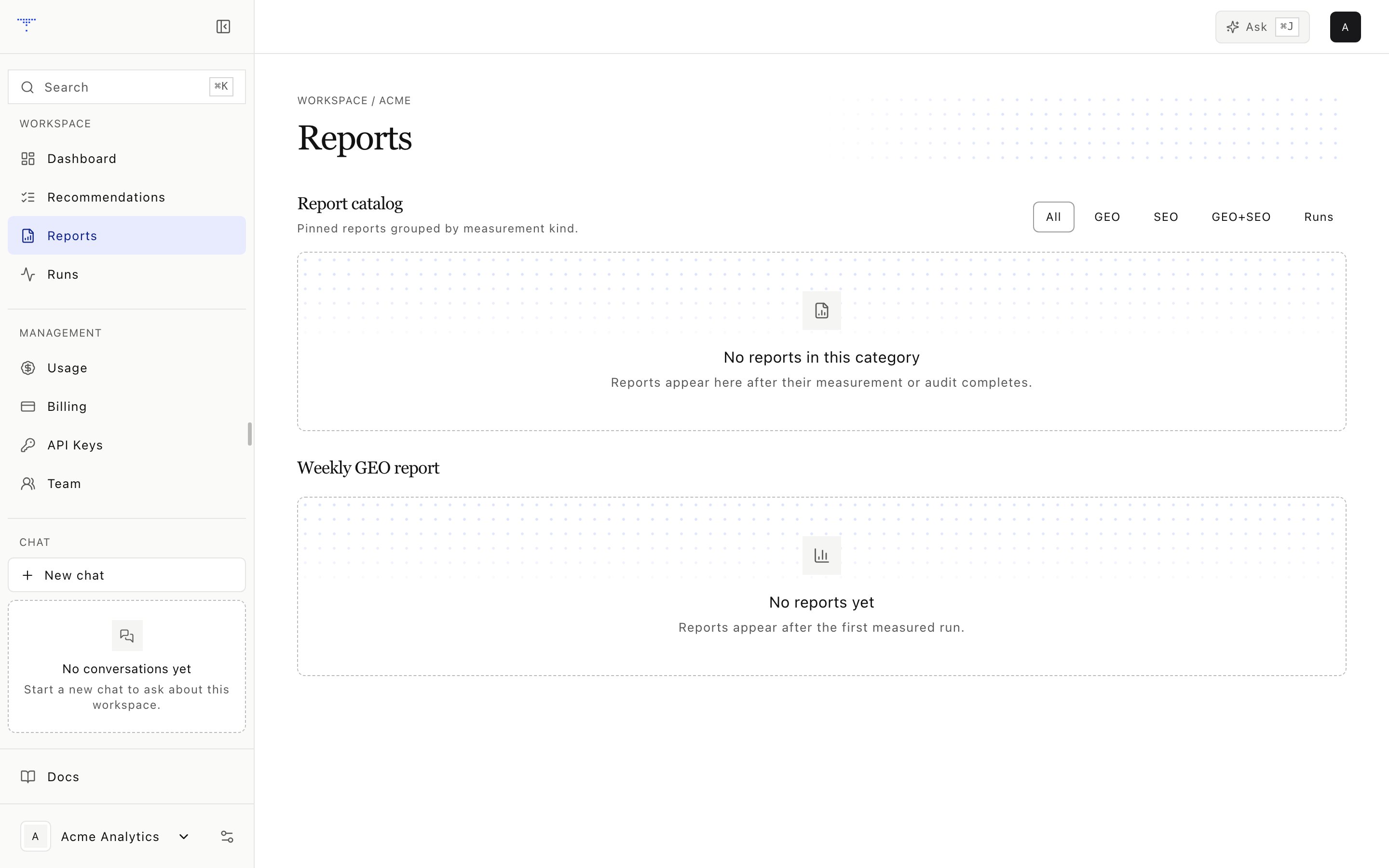
Generated reports for a workspace.
Catalog taxonomy
A run report requires a run identifier. GEO is frozen for every catalog report. SEO is frozen for SEO and combined reports, and can be included in a run report.
Unavailable scores
If a requested score does not exist, the report stores an explicit unavailable row with its version and reason. It does not write a numeric zero. Report identifiers and digests are deterministic. Building the same report from the same canonical inputs returns the same catalog identity.Weekly report
The weekly pipeline writes:- Current and previous scorecards
- Up to ten eligible recommendations
- Gaps that persisted for at least two evidence weeks
- A separate compliance review section
- Evidence references used by the report
Legacy files
The report service can also index existing JSON and Markdown report files. It derives a stable identity from their header, run reference, and file metadata. Older scoreboard and competitor links remain available when their source file contains them.Reading a report
1
Check the kind
A run report and a combined report answer different questions.
2
Check snapshot availability
An unavailable score is a data gap, not poor performance.
3
Open the evidence
Follow run, signal, audit, and recommendation references before assigning a cause.
4
Compare like with like
Keep formula versions, provider-local dates, and engine registry versions aligned.