

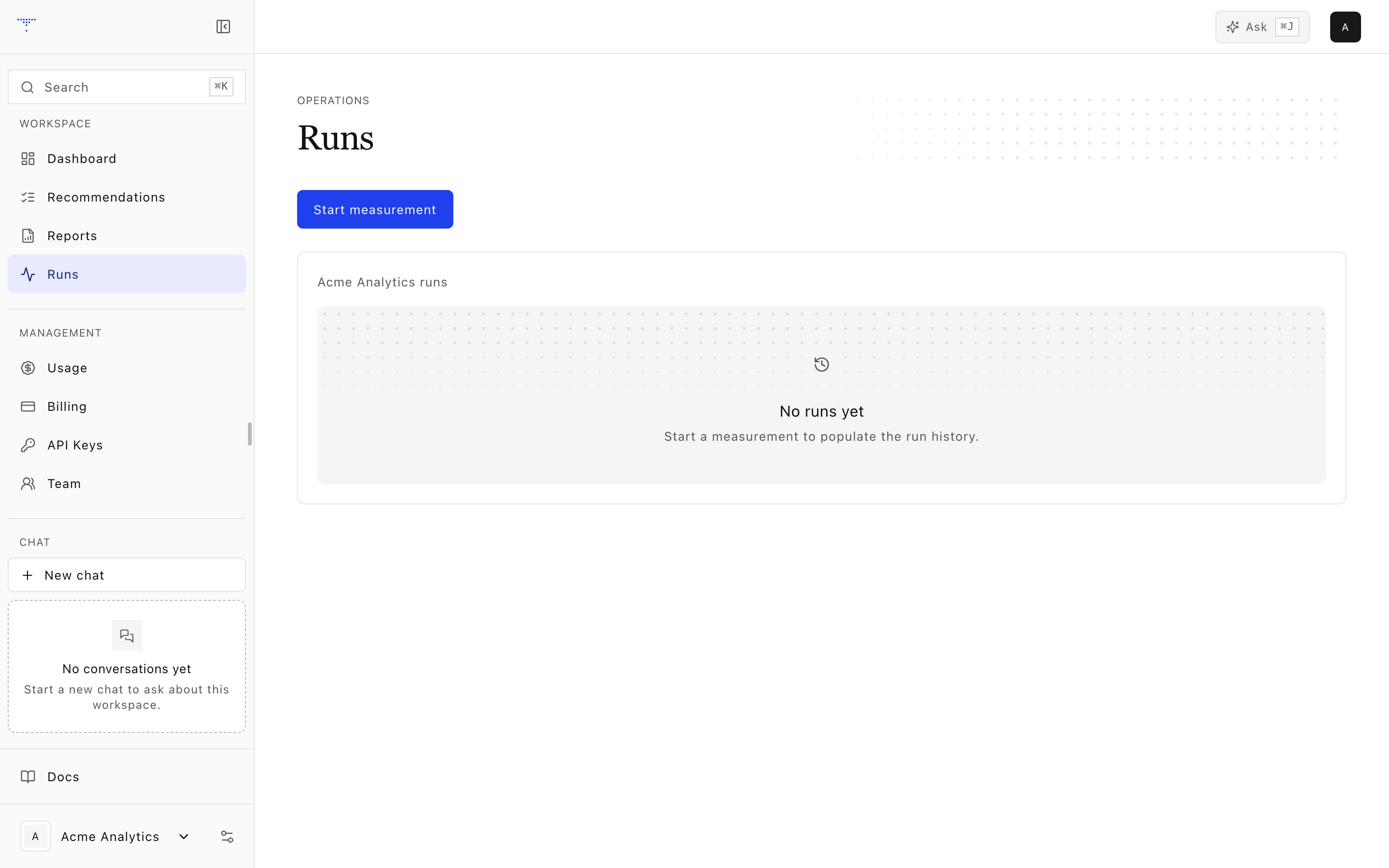
Measurement runs and their status.
Presets
The CLI also defines a
deep preset with three repeats and a $110 ceiling. The web application currently accepts smoke, lite, standard, and exa.
The start screen estimates prompt count, calls, and cost from active prompts and observed provider pricing. The preset ceiling remains a hard upper bound, not a promised charge.
Start a run
1
Select a preset
Confirm its engine mix and prompt coverage.
2
Review the reservation
The application reserves the estimated micro-USD amount across available credit lots.
3
Launch the job
The web worker starts an allowlisted CLI process with a signed operation token. Only loopback metering endpoints can authorize and record provider cost.
4
Settle the operation
Actual cost is debited and unused holds are returned when the manifest is sealed.
Lifecycle
The web job has these states:
The underlying pipeline run can finish as
complete, partial, or failed. A partial run can retain valid responses while recording provider failures.
If a recorded process ID is no longer alive, reconciliation moves the stale web job to failed and settles or releases its credit state.
Run detail
The detail page shows:- Date, preset, status, duration, started time, and finished time
- Total provider cost and response count
- Per-engine successful, failed, and skipped responses
- Per-engine cost and average latency
- Prompt and response coverage
- Link to the frozen run report when one is available