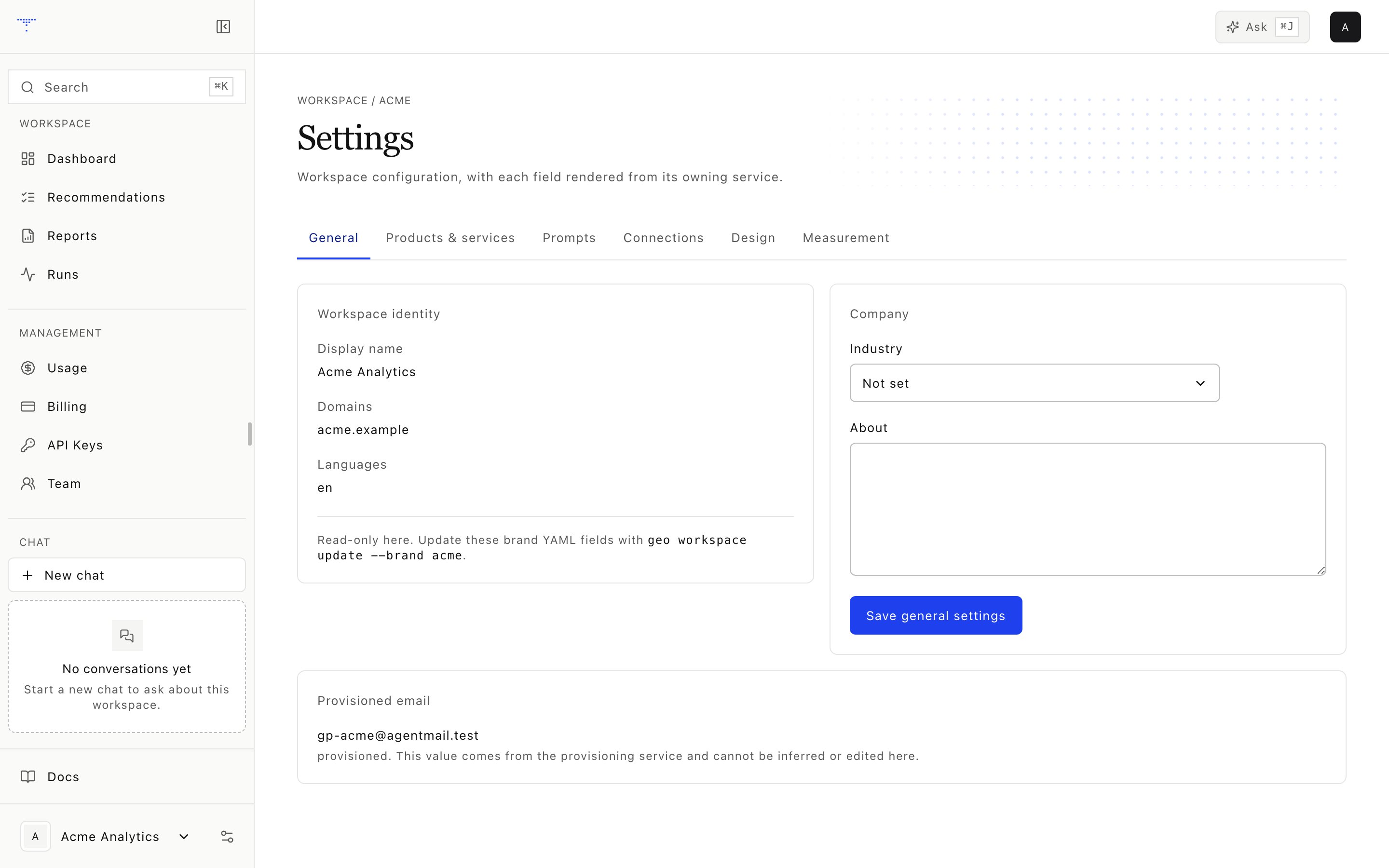
Workspace configuration.

Workspace configuration.

A workspace keeps one brand’s evidence and actions separate from every other brand. Routes include the workspace slug, and service methods repeat the authorization check before reading or writing data.

Creation contract

1

Name the workspace

Choose a stable slug and display name. Slugs use 2 to 20 lowercase letters, digits, or hyphens.
2

Define the market

Add 1 to 8 owned domains, languages, up to 8 regions, and 2 to 12 competitors.
3

Set measurement defaults

Supply a Search Console domain property, a 6 to 12 digit GA4 property ID, an active prompt target from 20 to 300, a compliance mode, and intent quotas that sum to 1.0.
4

Complete the profile

Add products, services, and design details in Settings. Fill the empty icp_summary and icps fields in the workspace YAML before running research.
The creator becomes the owner after the workspace YAML is written. Icon retrieval and design extraction continue in the background. The AgentMail attempt finishes before the creation service returns, but its failure does not remove the workspace.

Isolation rules

  • Active membership is required for browser access.
  • API keys are bound to one workspace and cannot select another.
  • Chat tools receive the workspace on the server.
  • Cross-workspace resources are returned as not found.
  • Provider secrets owned by the operator are never copied into workspace storage.

Switching workspaces

Use the workspace switcher in the lower sidebar. The application updates the route and re-resolves permissions. It does not merge dashboard, chat, credit, or recommendation state across workspaces.

Deletion and archival

The current product does not expose workspace deletion in the documented UI or public API. Archive individual prompts and recommendations when they no longer belong in active work.
Renaming a display label is different from changing the workspace slug. Treat the slug as a durable routing and ownership identifier.